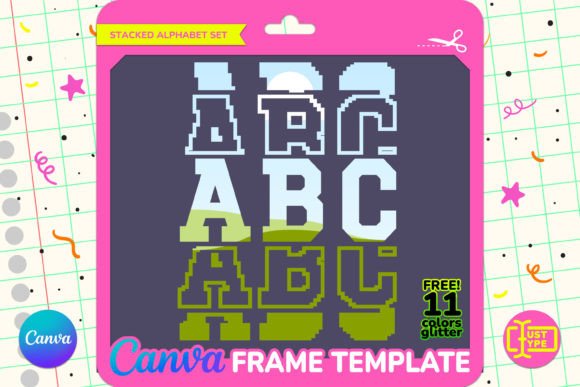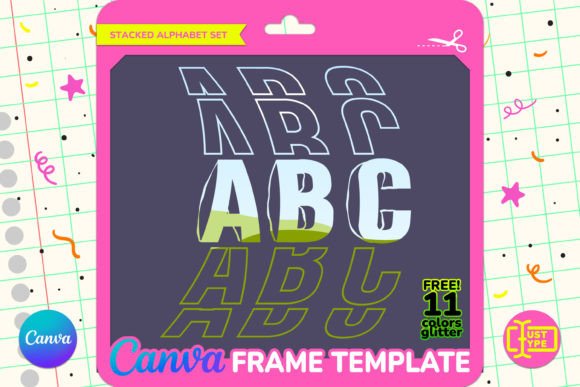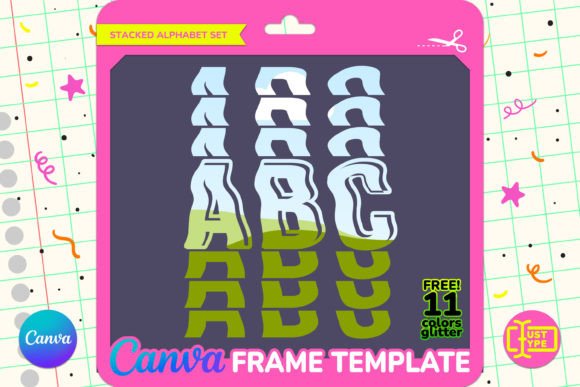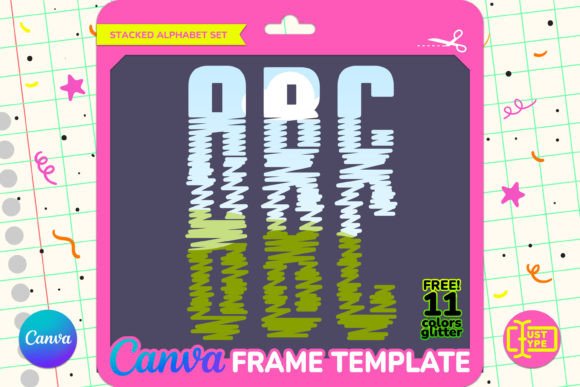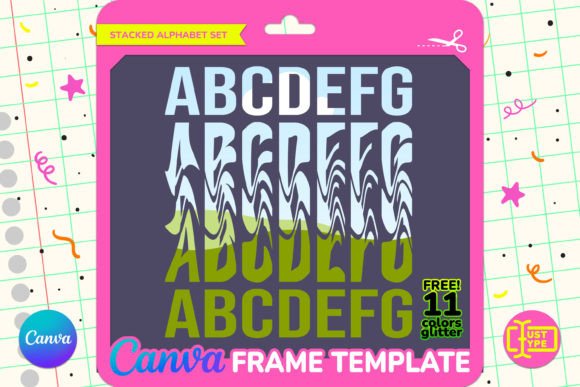
Wavy Stacked Alphabet Canva Frame
If you have ever stared at a blank canvas in Canva, trying to make a simple text graphic look as professional as the ones you see on Instagram or Pinterest, you know the struggle. You want something that pops, but standard fonts often feel too rigid for the vibe you are going for. This is where the Wavy Stacked Alphabet Canva Frame steps in as a practical solution. It is not just another font file; it is a design tool that allows you to create complex, eye-catching typography without needing advanced graphic design skills.
At its core, this template transforms your words into visual art. Instead of typing out a message and hoping the layout works, you use pre-made wavy letterforms as containers. These frames are designed to hold images, patterns, or textures, turning a simple word like "LOVE" or "SUMMER" into a collage-style masterpiece. The result is a retro-inspired, groovy aesthetic that feels intentional and polished, yet requires only basic drag-and-drop functionality to achieve.
How It Actually Works
Understanding the mechanics helps you decide if this fits your workflow. Unlike a traditional font that you type into a text box, the Wavy Stacked Alphabet operates using Canva’s frame feature. You start with the template, which contains vector-based letters approximately six inches tall. Because they are vector-based, you can resize them from a small social media icon to a large poster banner without any loss in quality.
The process is straightforward. You open the project in Canva, and you will find all letters well-organized and easy to pick. You simply select a letter frame and drag an image from your computer or Canva’s library directly into it. The image snaps perfectly inside the wavy contours of the letter. This eliminates the need for manual masking, clipping paths, or complex layering techniques that often slow down the creative process. It is about speed and efficiency, allowing you to focus on the composition rather than the technical execution.
Real-World Use Cases for Creators and Businesses
While the tool itself is simple, its applications are surprisingly broad. Let’s look at how different groups actually use this resource in their daily workflows.
Social Media Content Creation
For influencers and content creators, consistency and aesthetics are currency. A wavy stacked alphabet frame is perfect for creating quote graphics, announcement posts, or thematic headers. Imagine a lifestyle blogger wanting to highlight a weekly favorite. Instead of plain text, they fill the letters with photos of the products they love. The wavy shape adds movement and energy to the feed, breaking up the monotony of square grids. It catches the eye while scrolling, increasing the likelihood of engagement.
Small Business Branding and Merchandise
Entrepreneurs selling physical goods can leverage this template for mockups and promotional materials. If you run a boutique t-shirt shop, you might use the frames to visualize designs before printing. By filling the letters with fabric textures or specific brand patterns, you can create compelling product shots. Similarly, digital marketers can use these graphics for email headers or website banners to announce sales or new collections. The ability to change the internal imagery means one template can serve dozens of marketing campaigns throughout the year.
Educational Materials and Classroom Decor
Educators often need to create engaging visual aids quickly. Teachers can use the Wavy Stacked Alphabet to create vocabulary posters, classroom rules, or motivational signs. The playful, wavy nature of the letters appeals to younger students, making the learning environment feel more inviting. Because the template is editable, a teacher can customize the colors and images to match a specific lesson theme, such as filling the letters with space-themed images for an astronomy unit.
Event Planning and Personal Projects
For hobbyists and event planners, personalization is key. Whether you are designing invitations for a birthday party, creating name tags for a wedding, or making custom banners for a baby shower, this template offers versatility. The "groovy" wave style works exceptionally well for retro-themed events, summer parties, or music festivals. You can fill the letters with photos of the guest of honor or patterns that match the event’s color palette, ensuring every detail feels cohesive.
Why Choose Frames Over Traditional Fonts?
You might wonder why you should use a frame template instead of just downloading a wavy font. The primary advantage is control over texture and imagery. With a standard font, you are limited to solid colors, gradients, or basic effects. With a Canva frame, the letter itself becomes a window into your visual story. You can embed high-resolution photographs, intricate patterns, or even video (in Canva Pro) directly into the text. This creates a depth and richness that flat text cannot achieve.
Furthermore, the organizational aspect of this template saves time. All letters are separated and named logically within the project file. When you are working under a deadline, having access to every letter without digging through tangled layers is a significant benefit. It reduces cognitive load and lets you focus on the creative output.
Important Considerations Before You Start
Before purchasing or downloading this resource, it is crucial to understand what you are getting. This is a Canva Frame template, not a font file, PNG, or SVG. This distinction matters for several reasons:
- Platform Requirement: You must have a Canva account to use this template. It cannot be opened in Photoshop, Illustrator, or other design software.
- Canva Pro vs. Free: While you can edit the template with a free Canva account, certain features, such as downloading with a transparent background, require a Canva Pro subscription. If you plan to overlay your designs onto other images or videos, ensure you have the appropriate account level.
- Editing Skills: Although the interface is intuitive, you do need basic familiarity with Canva’s drag-and-drop system. If you have never used Canva before, there may be a slight learning curve, but the process is generally user-friendly.
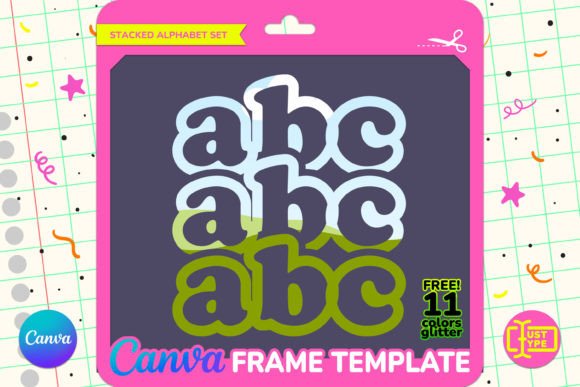
Additionally, note that the package includes a bonus pack of 11 dazzling glitter textures in JPG format. These are crafted to harmonize seamlessly with the University Stacked Text style. They provide an extra layer of charm, allowing you to add sparkle and shine to your designs without searching for external resources. These textures can be dragged into the same frames, offering endless variation.
Maximizing Your Design Potential
To get the most out of the Wavy Stacked Alphabet Canva Frame, think beyond just filling letters with single images. Experiment with contrasting elements. Try placing a bold photograph inside a thin wavy line, or use a subtle pattern inside a thicker block letter. Play with color coordination by choosing images that pull hues from your brand palette. The flexibility of the template encourages experimentation.
Remember that less is often more. While it is tempting to fill every nook and cranny with busy patterns, sometimes a clean, solid-colored fill or a minimalist photo allows the wavy shape to stand out as the focal point. Balance complexity with simplicity to ensure your message remains readable and impactful.
In summary, the Wavy Stacked Alphabet Canva Frame is a versatile asset for anyone looking to elevate their visual communication. It bridges the gap between amateur creativity and professional design, offering a fun, efficient way to produce stunning graphics. Whether you are a marketer, educator, or hobbyist, this tool provides the structure you need to bring your vision to life effortlessly.