Unlocking Creativity with the Disco Retro Stacked Canva Frame Template
In an era where visual communication is paramount, the ability to create striking, professional-grade designs without extensive technical training has become a superpower for creators, small business owners, and social media managers. Enter the Disco Retro Stacked Canva Frame Template, a digital tool that bridges the gap between nostalgic aesthetics and modern design efficiency. This template allows users to step back in time, harnessing the vibrant energy of the 1970s while leveraging the intuitive power of Canva’s interface.
Whether you are designing event posters, social media graphics, or personalized merchandise, understanding how to utilize frame-based templates can transform your workflow. This article explores the functionality, benefits, and practical applications of this specific template, ensuring you get the most out of your creative projects.
What Is a Canva Frame Template?
Before diving into the specifics of the disco-themed design, it is essential to understand the underlying technology: Canva Frames. Unlike traditional vector files (like SVGs) or static images (like PNGs), frames in Canva act as containers. They are essentially invisible boundaries that hold other elements, such as photos, patterns, or textures, within a specific shape.
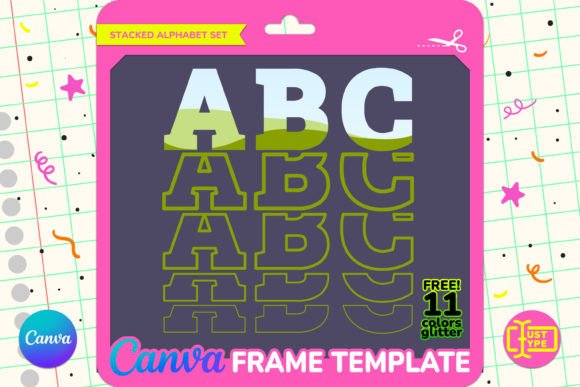
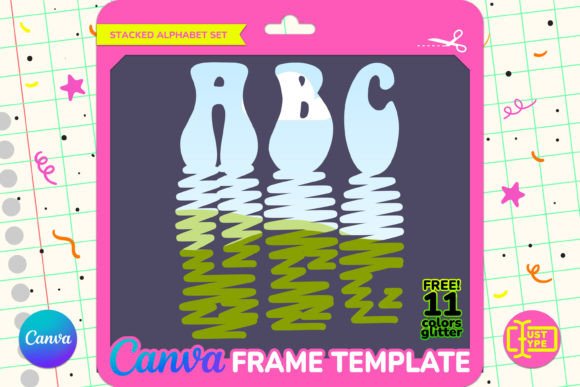
When you use a stacked text frame template, the letters themselves serve as these containers. Instead of manually masking images behind text—a process that often requires advanced photo editing skills—you simply drag and drop your desired image or pattern directly into the letter shapes. The content automatically conforms to the typography, creating a cohesive and visually compelling composition instantly.
This mechanism democratizes design, allowing beginners to achieve complex results with simple actions. It removes the steep learning curve associated with software like Adobe Photoshop, making high-quality graphic design accessible to everyone.
The Aesthetic Appeal of Disco Retro Design
The "Disco Retro" style is more than just a trend; it is a celebration of boldness, color, and self-expression. Originating in the nightlife culture of the 1970s, this aesthetic is characterized by:
- Vibrant Color Palettes: Think electric blues, hot pinks, bright yellows, and deep purples.
- Glitter and Shine: Reflective surfaces and sparkling textures that mimic the glamour of the dance floor.
- Bold Typography: Thick, stacked, or outlined fonts that demand attention.
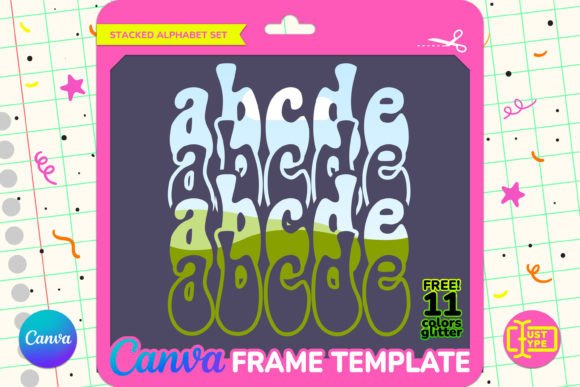
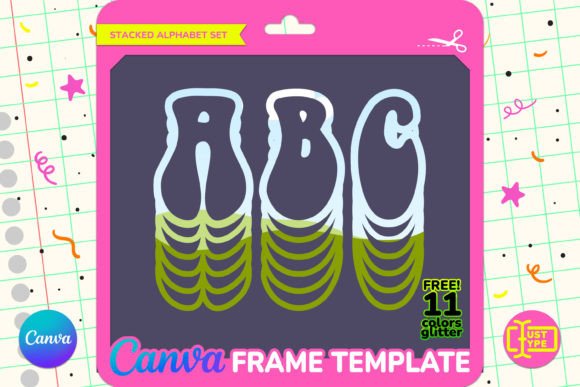
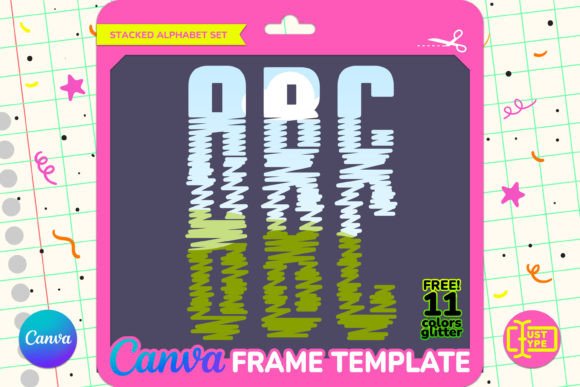
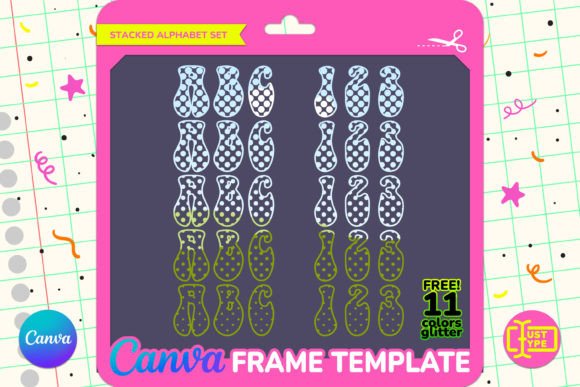
The Seventies Stacked Text featured in this template captures this essence perfectly. By stacking letters vertically or horizontally, the design creates a monumental feel, ideal for headlines and focal points. When combined with the included bonus pack of glitter textures, the result is a dazzling visual experience that stands out in crowded digital feeds or printed materials.
Why Choose Vector-Based Editing?
A significant advantage of this template is its vector-based nature. In digital design, raster images (like JPEGs) lose quality when resized, becoming pixelated and blurry. Vector graphics, however, are mathematically defined, meaning they can be scaled up or down infinitely without any loss of resolution.
This feature is crucial for versatility. You might start by designing a Instagram post at a small size, but later decide you want to print the same design on a large banner or a t-shirt. With this template, you can resize the text to be approximately 6 inches tall or much larger, maintaining crisp edges and sharp details throughout the process.
How to Use the Template: A Step-by-Step Guide
Using the Disco Retro Stacked Canva Frame Template is designed to be as frictionless as possible. Here is how the process typically unfolds:
- Access the Template: Upon purchase, you will receive a PDF file containing a direct link to the template. Click this link to open it in your Canva account. Note that you must have a Canva account to edit the file.
- Drag and Drop: Navigate to the "Elements" tab or upload your own images. Simply click and drag your chosen image or pattern over one of the letters in the design. The image will snap into place, filling the shape of the letter.
- Customize: Adjust the position, scale, and brightness of the images within the letters using Canva’s standard editing tools. You can also change the background color or add additional decorative elements.
- Download: Once satisfied with your design, download it in your preferred format. If you require a transparent background, please note that this requires a Canva Pro subscription.
The organization of the project is another key feature. All letters are well-organized within the layers panel, making it easy to pick individual characters if you wish to rearrange them or apply different effects to specific words.
Practical Applications in Modern Life and Business
The versatility of this template extends across various domains. Here are some practical examples of how you can use the Disco Retro Stacked Canva Frame Template:
Event Marketing
Hosting a retro-themed party, concert, or festival? This template is perfect for creating eye-catching flyers, social media announcements, and stage backdrops. The bold stacked text ensures that the event name or date is readable from a distance, while the glitter textures add a touch of excitement.
Social Media Content
Influencers and brands looking to tap into nostalgia marketing can use this template for themed posts. For instance, a fashion brand launching a vintage-inspired collection could use the glitter-filled letters to highlight product names. The ease of drag-and-drop editing allows for rapid content creation, keeping your feed fresh and engaging.
Personalized Gifts and Merchandise
Create custom mugs, tote bags, or posters for friends and family. The ability to fill letters with personal photos makes for a unique and sentimental gift. For example, spelling out a loved one’s name with photos of shared memories inside the letters adds a deeply personal touch.
Important Considerations and Clarifications
To ensure a smooth user experience, it is vital to clarify what is included and what is not. There are common misconceptions about digital design assets that can lead to confusion.
Not a Font File
First and foremost, this is not a font file (such as .ttf or .otf). You cannot install this into your computer’s system fonts and type normally in Word or Photoshop. It is exclusively a Canva frame template. This distinction is important because it dictates the platform you must use for editing.
Editing Requirements
You need a Canva account to access and edit the template. While basic editing is available on the free tier, certain premium features—specifically downloading images with transparent backgrounds—require a Canva Pro subscription. If you do not have Pro, you can still download your designs, but they will have a solid white or colored background.
What’s Included in Your Package
Your purchase includes two main components:
- The PDF Link: This grants you immediate access to the editable Canva template. It provides complete control, allowing you to make any required edits and downloads effortlessly.
- The ZIP File Bonus Pack: As a token of appreciation, you receive 11 high-quality JPG files featuring dazzling glitter textures. These are crafted to harmonize seamlessly with the Seventies Stacked Text, adding an extra layer of charm and texture to your creations without needing to source external images.
Conclusion
The Disco Retro Stacked Canva Frame Template is more than just a decorative element; it is a powerful tool for efficient and expressive design. By combining the nostalgic allure of 1970s aesthetics with the modern convenience of Canva’s drag-and-drop interface, it empowers users to create stunning visuals with minimal effort.
Whether you are a seasoned designer looking to speed up your workflow or a beginner eager to create professional-looking graphics, this template offers the flexibility and quality needed to bring your vision to life. With its vector-based scalability, organized structure, and bonus glitter textures, it is a versatile addition to any creator’s toolkit. Embrace the retro vibe, explore your creativity, and elevate your designs today.